
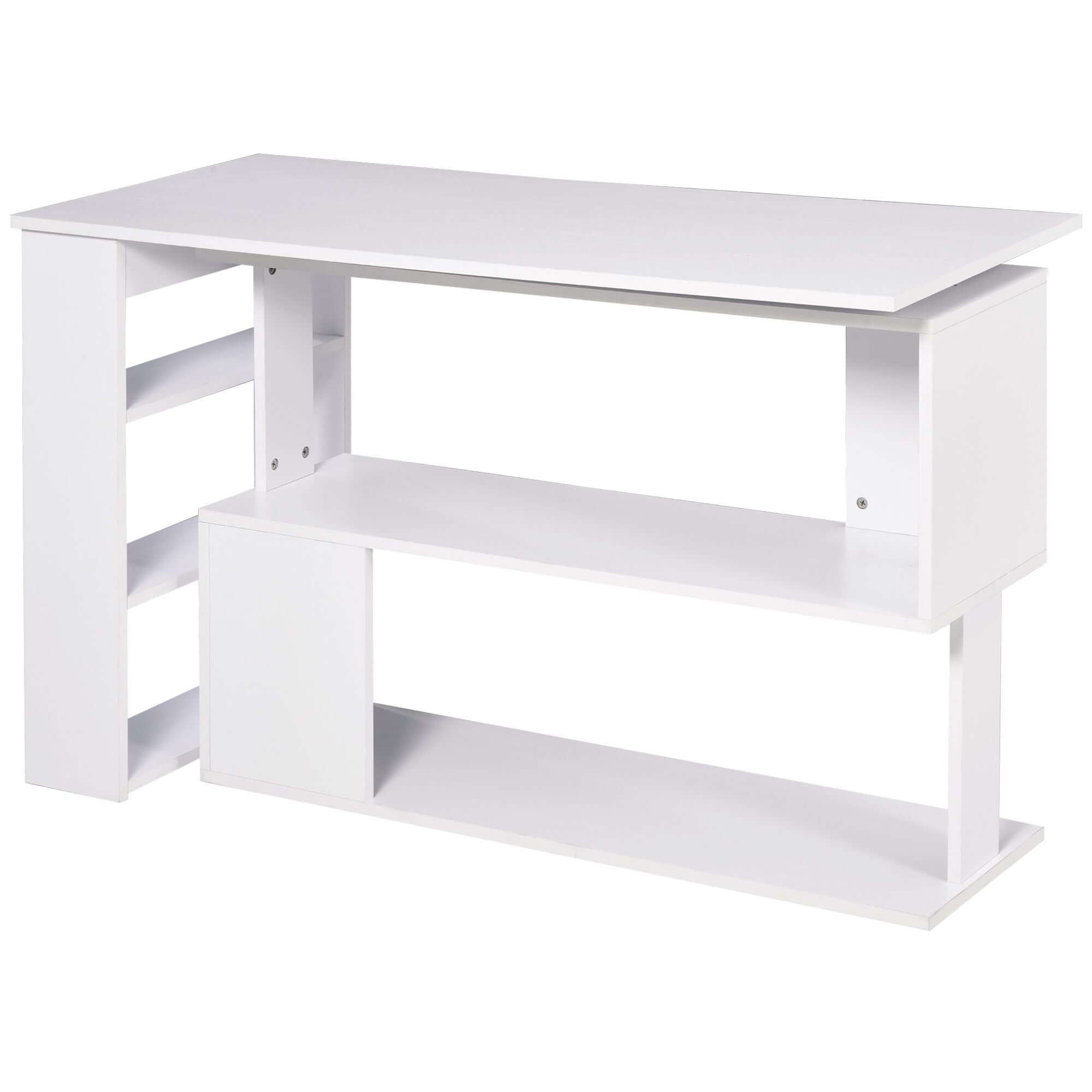
The best gaming desk accessories are not the ones that make a setup look busy. They are the pieces that make it easier to play, study, work, charge devices, and put everything away when you are done. A clean desk gives your hands room to move, helps you find the gear you need, and keeps your setup from taking over the rest of the room.
Start by noticing the small frustrations in your current space. Does your headset end up on the desk? Are cables caught around chair wheels? Is your monitor too low? Does a controller, charger, or drink compete for the same few inches of surface? Each answer points to an accessory with a clear job.
This guide focuses on the essentials that improve comfort and organization first. Decorative upgrades can come later. When the desk works well, the whole setup feels better, whether you play for an hour after work or use the same space all day.
1. A Desk Mat That Defines Your Space
A desk mat is one of the simplest upgrades because it solves several problems at once. It gives your keyboard and mouse a consistent surface, protects the desktop from minor scratches, and visually pulls the setup together. For a mouse user, the useful test is practical: the mat should leave enough room for your normal sweep without pushing your keyboard into an awkward position.
Choose a mat that fits the desk instead of covering every inch of it. A compact desk often benefits from a medium mat that leaves clear zones for a drink, notebook, or controller. On a larger desk, an extended mat can keep the keyboard and mouse aligned while still leaving room for speakers or a charging dock.
Skip novelty textures that make tracking unpredictable. A smooth, easy-to-clean surface is the better everyday choice. If you share the desk with school or work tasks, a neutral mat also makes the switch between game time and focus time feel less cluttered.
2. A Monitor Stand or Arm for a Better Viewing Height
Your screen position matters more than most desktop decorations. A monitor stand or adjustable arm lets you set the screen at a comfortable height, free up usable desk space, and route a cable behind the display instead of across the surface. The goal is not to create a dramatic floating setup. It is to keep your head and shoulders relaxed during a normal session.
Before buying an arm, check your monitor size, weight, and mounting options. Some displays use a common VESA mounting pattern, while others may need their original stand. If you are keeping the original stand, a stable monitor riser can still improve height and create a small storage zone underneath.
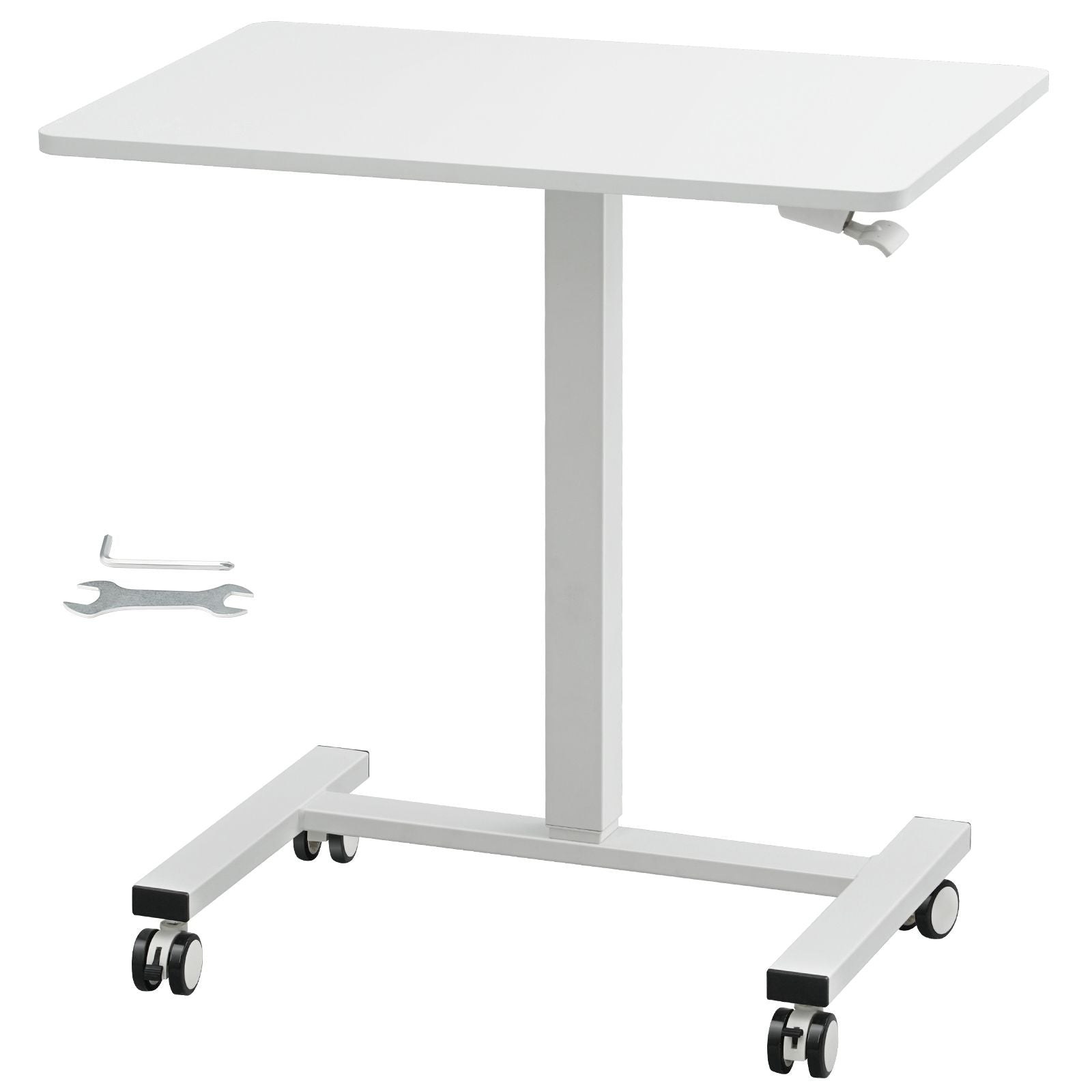
Give yourself enough distance from the screen to use it comfortably. A deeper desk makes that easier, especially with a larger monitor or a desktop tower. The store's Home Office collection includes flexible desk options for people who need a setup to do more than one job.
3. A Headset Stand or Under-Desk Hook
A headset stand has a small footprint, but it can make a desk feel immediately more organized. It keeps the headset from resting on a keyboard, tangled in a cable, or thrown on a bed where it is easier to damage. An under-desk hook offers the same benefit when surface space is limited.
Place the stand or hook where you can reach it without stretching over the keyboard. The side of the desk is usually better than directly under your mouse hand. If the headset is wireless, keep its charging cable nearby but out of the way. The easiest storage spot is the one you will actually use after every session.
For shared rooms, this is also a simple reset habit. One place for the headset means the desk is ready for homework, streaming, or work without a cleanup scramble.
4. Cable Management That Keeps the Floor Clear
Cable management does not need to be complicated. The first goal is to keep cords away from chair wheels and feet. The second is to make it easy to identify what needs unplugging when you move or clean. A few adhesive clips, reusable ties, and a cable sleeve can take a messy setup from frustrating to manageable.
Start behind the desk. Group cables by destination, such as monitor, console, power, and charging. Leave a little slack near moving parts so a monitor arm or rolling desk can adjust without pulling a cable tight. Then route the longest cables along the rear or underside of the desk rather than across the floor.
Avoid packing every cord into one tight bundle. A power cable, a monitor cable, and a charging cable are easier to troubleshoot when they can be followed separately. The tidy result is useful, but the real win is making the space safer to move around and easier to clean.
5. A Charging Station for the Devices You Use Most
Phones, controllers, earbuds, handheld devices, and wireless mice all need power. Without a home for charging, cables spread across the desk and important devices are dead when you want to use them. A compact charging station creates one predictable place for that daily routine.
Keep the station close enough to reach, but not in the center of the action. A rear corner works well for most desks. Use only the cables you need each week, then store extras in a drawer or small bin. This keeps the setup flexible without turning it into a display of every device you own.
When choosing a charger, check what each device actually requires and use the cable supplied or recommended for it. A tidy desk is never worth using a damaged cord or an unstable power setup.
6. A Controller Stand That Stops the Pileup
Controllers are easy to set down and easy to lose under a hoodie, notebook, or snack wrapper. A small stand gives each controller a visible home and protects the sticks and buttons from being pressed against other gear. It is especially helpful on desks that also serve as a console station.
Look for a stable stand with a wide base, or choose a wall-mounted option if the desk is narrow. The best location is close enough to grab during a session but out of the keyboard and mouse zone. If you have more than one controller, resist filling the desk with a large rack unless both are in regular use.
This is a good example of an accessory that makes a setup easier to maintain. It may not change performance, but it saves the repeated annoyance of clearing space before you can play.

7. A Chair Mat for a Smoother, Cleaner Setup
If your chair catches on carpet or leaves marks on a hard floor, a chair mat is worth considering. It creates a consistent rolling surface and protects the area that takes the most daily wear. That can make small adjustments during a game or work session easier, especially when you need to move closer to the desk.
Measure the path your chair actually travels before choosing a size. A mat that is too small forces the chair wheels off the edge, while an oversized mat can make a compact room feel crowded. The right fit should cover your usual movement area without becoming another obstacle.
Treat the chair mat as part of the whole layout. Leave enough room behind the chair to stand up comfortably, and keep cables routed away from its edges so wheels cannot pull them loose.
8. Storage That Makes Resetting Easy
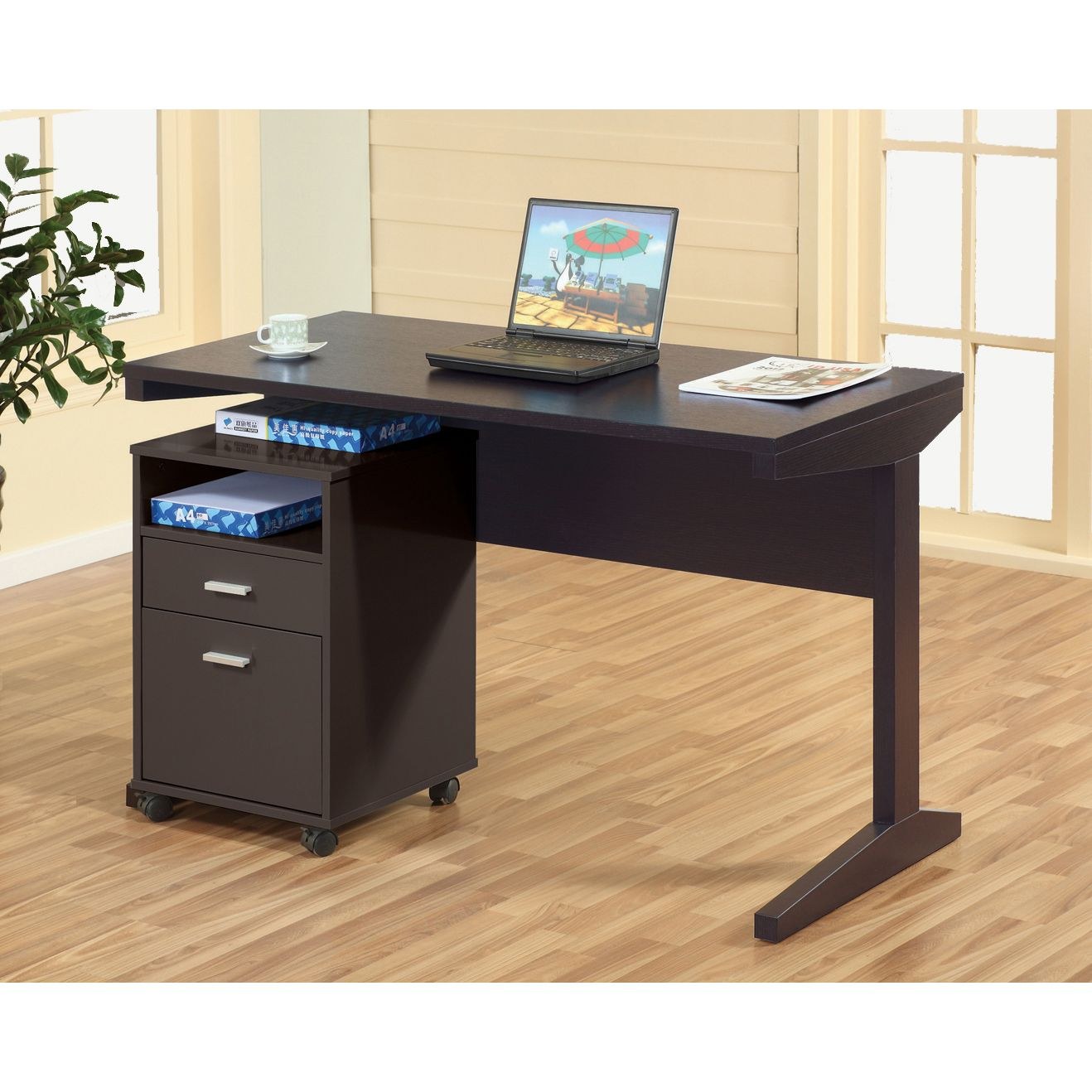
The best storage for a gaming desk is usually simple and close by. A small drawer unit, closed bin, or shelf can hold extra cables, batteries, game cases, cleaning cloths, and items you do not need in front of you every day. Closed storage is especially useful in a bedroom or shared living space because it reduces visual clutter in seconds.
Store by routine rather than by category. Put controller accessories together, keep cleaning supplies in one small container, and give travel gear its own spot. That approach makes it easier to reset the desk after a session and easier to find what you need before the next one.
If your desk has no built-in storage, a compact shelf or nearby cabinet can do the job. The point is not to own more organizers. It is to keep the accessories you already use from taking over the work surface.
9. Lighting That Helps, Not Distracts
Lighting can make a gaming corner feel more intentional, but it should help the room first. A small desk lamp is useful for reading, homework, cleaning a controller, or finding something without turning on every light. Soft light behind a monitor can add atmosphere without shining directly into your eyes.
Keep bright strips and reflective surfaces out of your direct line of sight. If the screen has glare, move the light before buying more lighting. A calmer setup is often more comfortable than a room full of flashing effects.
Choose one lighting approach and give it a job. A warm lamp can make a multi-use desk feel welcoming, while a subtle backlight can separate the monitor from a dark wall. Both can work without crowding the desk.
A Quick Shopping Checklist
Before adding anything to your cart, measure the part of the desk where it will live. Check the clearance under the desk, the depth behind the monitor, and the path your chair needs to roll. A few minutes with a tape measure can prevent an organizer, monitor arm, or chair mat from becoming one more thing that does not fit.
Then check compatibility. A monitor arm needs to support the display's weight and mounting pattern. A charging station needs the right ports for your devices. A cable tray needs a surface that can support its mounting method. Read the dimensions and included parts instead of relying on product photos alone.
Finally, buy in stages. Live with one useful change for a week before adding another. You will quickly learn whether the next problem is cable clutter, limited storage, poor lighting, or simply a desk that needs more usable surface area. That is a better path to a setup you enjoy than ordering a pile of accessories all at once.
Keep a short note while you make changes. Write down what still gets in your way, what feels easier, and which item is now sitting unused. That small reality check helps you spend on the next improvement that will matter, rather than repeating an accessory you already own in a slightly different form.
Build in the Right Order
When every accessory looks tempting, start with the upgrades that solve a daily problem. First, make the desk and chair comfortable. Next, improve monitor placement and cable routing. Then add storage and charging so the setup is easy to reset. Lighting and decorative pieces belong last because they do not fix a cramped or frustrating workstation.
A useful rule is one accessory in, one job solved. If an item does not create more room, improve comfort, protect equipment, or make the desk easier to use, leave it for later. That keeps the setup personal without making it harder to live with.
RGD Essentials Market brings together desk, storage, and everyday home finds that can help a gaming space work harder. Start with the pieces that fit your room and your routine, then build from there.
Shop the Home Office collection →